






Popular smart home scenes
We know that home comfort is important, so we have selected a range of smart scenes for you, designed to address your everyday needs while saving you time and energy.

Scene: Motion-activated night light
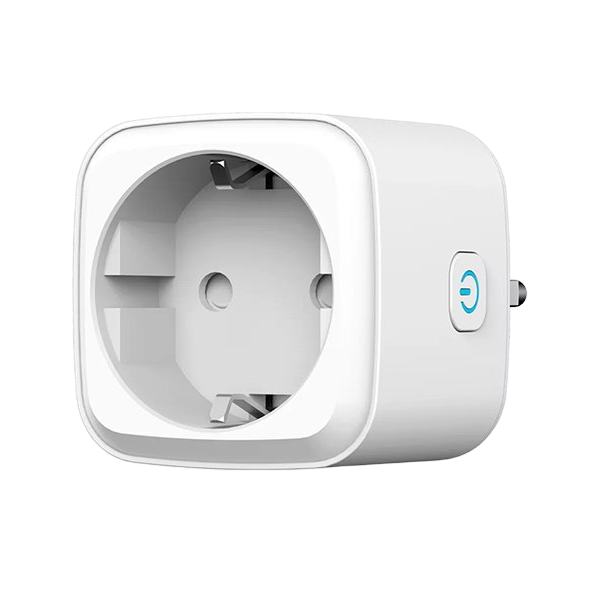
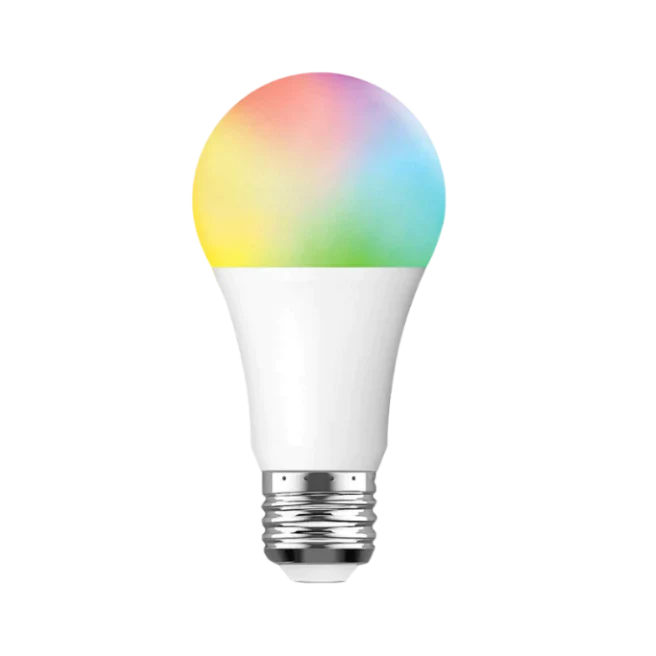
Create an automatic "Motion-activated lighting" scene that turns on selected lamps in the living room or hallway at night based on movement via a smart socket. To enhance this night scene with a pleasant, dimmed light , insert a smart bulb into the lamp.
For this scene you need:
- ANTIK Smart motion sensor
- ANTIK Smart socket
- ANTIK Smart bulb
*To use these devices, it is necessary to have a Zigbee Gateway purchased and paired in the application.

Scene: Heating off when window is opened
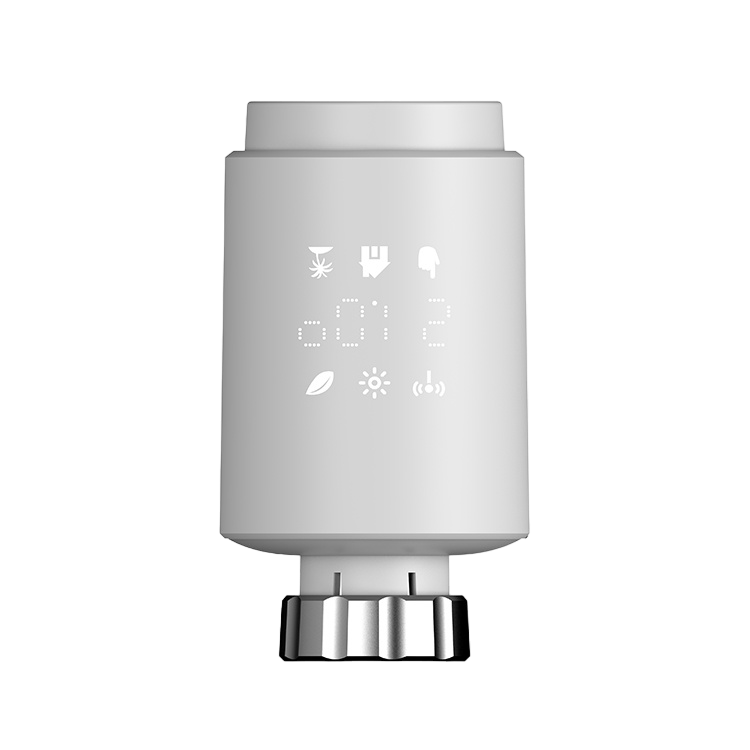
Create an automatic "Ideal room temperature" scene that includes a smart door and window sensor and a smart thermostatic head. Every time you open a window, the heating automatically turns off - optimizing energy consumption and ensuring a comfortable environment at all times.
For this scene you need:
- ANTIK Smart door and window sensor
- ANTIK Smart thermostatic head
*To use these devices, it is necessary to have a Zigbee Gateway purchased and paired in the application.


Scene: Motion-triggered fan activation
Create an automatic scene "Motion-triggered fan activation", which is an effective combination with the ANTIK smart fan and smart motion sensor. When motion is detected upon entering the room, the fan will automatically turn on , ensuring pleasant cooling after a long hot day.
For this scene you need:
- ANTIK Smart fan
- ANTIK Smart motion sensor
*To use the smart motion sensor, it is necessary to have a Zigbee Gateway purchased and paired in the application.


Scene: Night garden lighting
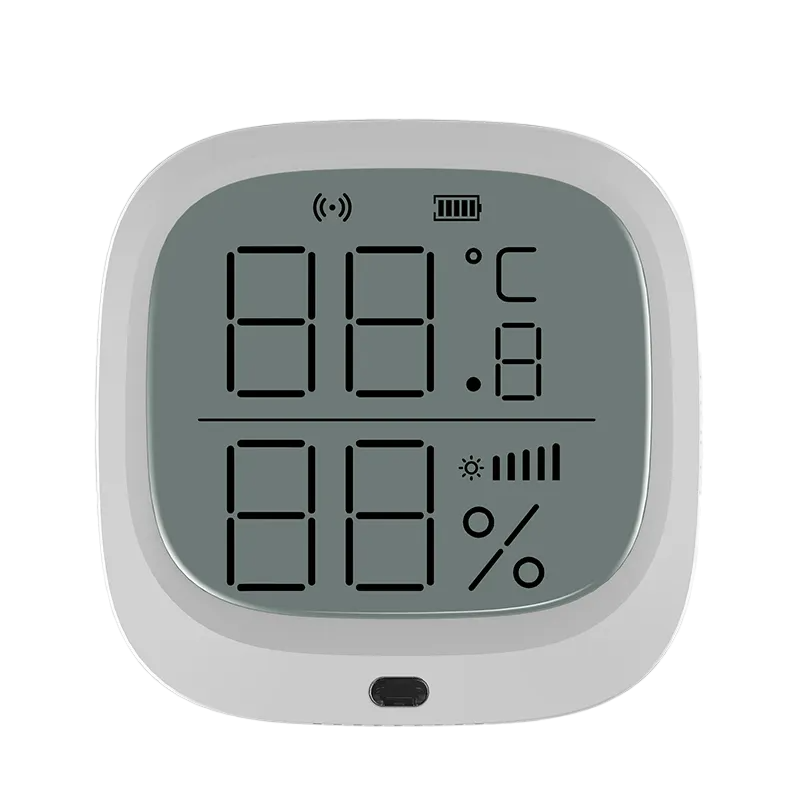
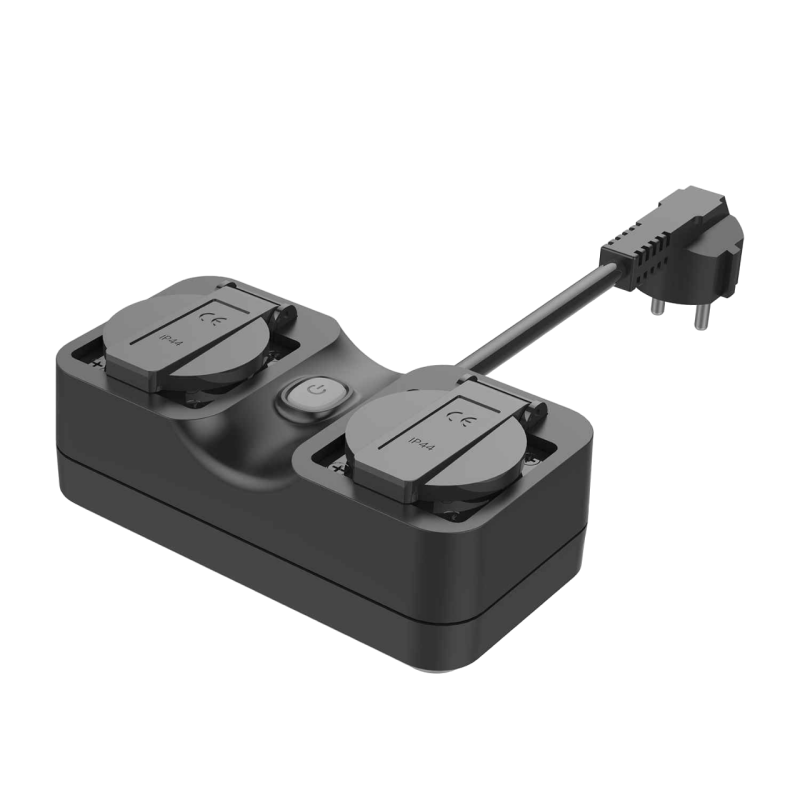
Create an automatic "Night Garden Lighting" scene that uses a smart multisensor (luminosity reading) and a smart outdoor socket. When the multisensor detects a drop in brightness indicating night, the outdoor socket is activated , automatically lighting your garden and creating a pleasant night atmosphere.
For this scene you need:
- ANTIK Smart multisensor
- ANTIK Smart outdoor socket PLUS
*To use the smart multisensor, it is necessary to have a Zigbee Gateway purchased and paired in the application.

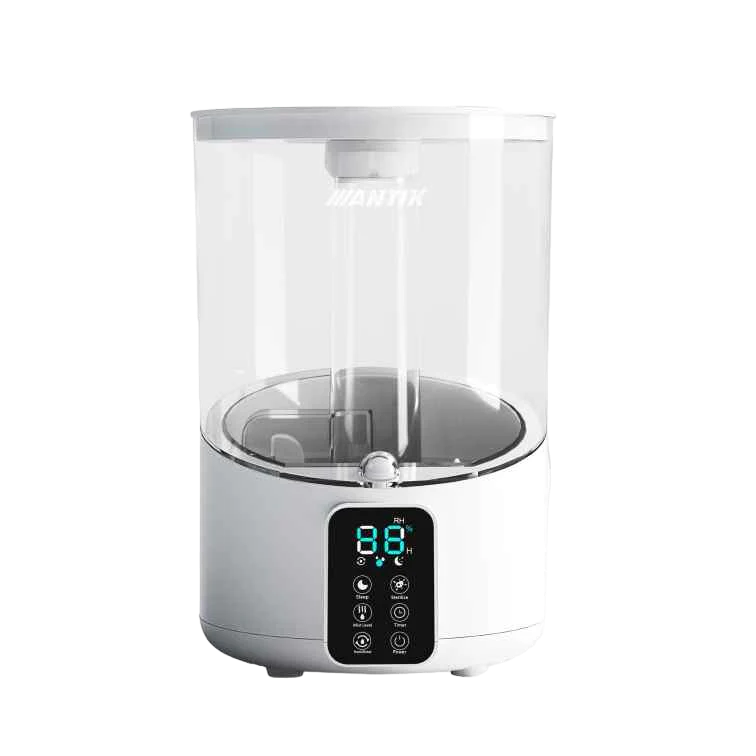
Scene: Ideal air humidity during sleep
Create an automatic scene "Ideal humidity at night". In this case , the humidifier will automatically start at a specified time of night and when the humidity in the room drops below a certain threshold (e.g. 30%) . This will ensure a pleasant sleeping environment without the unpleasant feeling of dry air.
For this scene you need:
- ANTIK Smart air humidifier
- ANTIK Smart multisensor
*To use the smart multisensor, it is necessary to have a Zigbee Gateway purchased and paired in the application.

Scene: Adjusting the room temperature
Create an automatic scene "Room temperature adjustment", which includes a smart multi-sensor for temperature monitoring and a smart thermostatic head. Based on the data from the sensor, the thermostat will maintain the desired temperature in the room - it will automatically lower the temperature if the room is too warm, and vice versa, increase the temperature if the room is too cold. You will save effort and time, as well as energy costs.
For this scene you need:
- ANTIK Smart multisensor
- ANTIK Smart thermostatic head
*To use the smart socket and smart motion sensor, it is necessary to have a Zigbee Gateway purchased and paired in the application.

Scene: We are at home even during the holidays
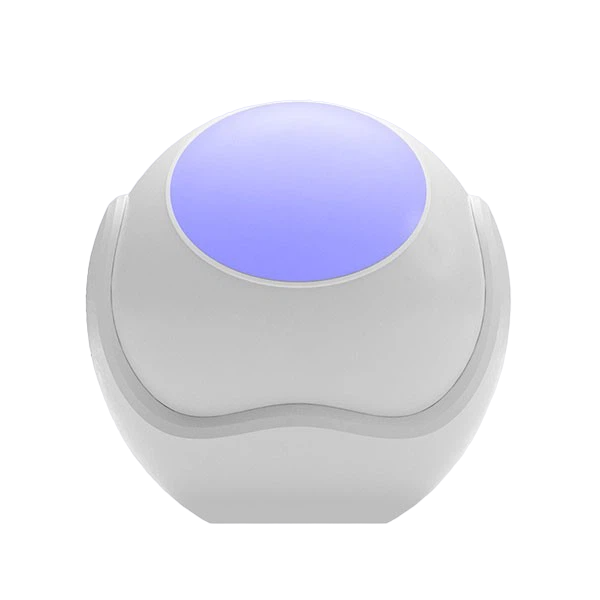
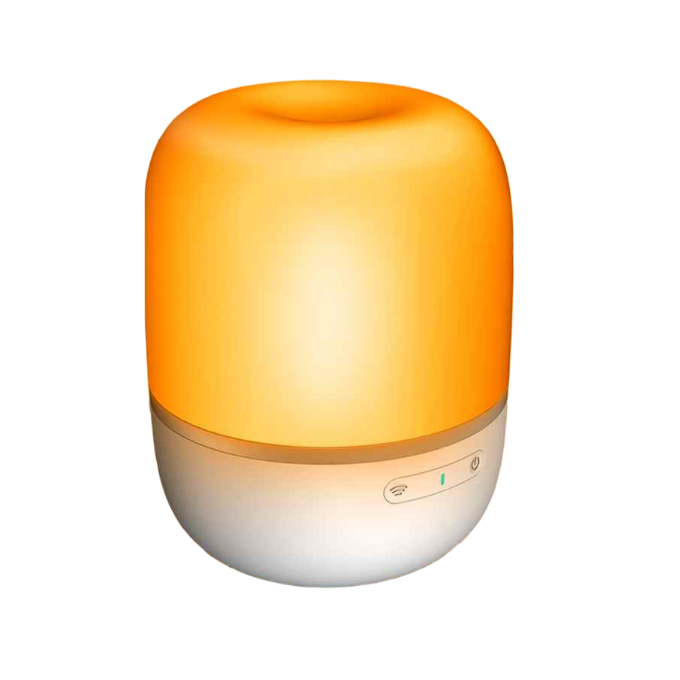
Create an automatic scene "Vacation Mode". In this scene , the ANTIK smart mood lamp works on the principle of randomly turning on and off when you are on vacation, for example. This is one of the functions that helps protect your property from burglary.
For this scene you need:
- ANTIK Smart mood lamp
To achieve an even better effect of this scene, it is recommended to add additional lamps from the ANTIK SmartHome portfolio or a smart socket, thanks to which you will be able to connect your existing lamps to this scene.

Scene: Lowering the temperature in unused rooms
Create an automatic scene "Reduce temperature in unused rooms" to help you save on energy bills. The Smart Thermostat will only turn on the heating in selected rooms that are used at night (ensuring that unnecessary heating in unoccupied spaces is avoided.)
For this scene you need:
- ANTIK Smart thermostatic head
*To use the smart thermostatic head, it is necessary to have a Zigbee Gateway purchased and paired in the application.

Scene: Evening reading time
Create an automatic scene "Evening reading comfort" that will start the "reading" mode at night based on your arrival in the bedroom , which, with the dim light of the ANTIK Smart mood lamp, will create the best feeling of reading your favorite book.
For this scene you need:
- ANTIK Smart mood lamp
- ANTIK Smart motion sensor
*To use the smart motion sensor, it is necessary to have a Zigbee Gateway purchased and paired in the application.

Scene: Gas leak warning by siren
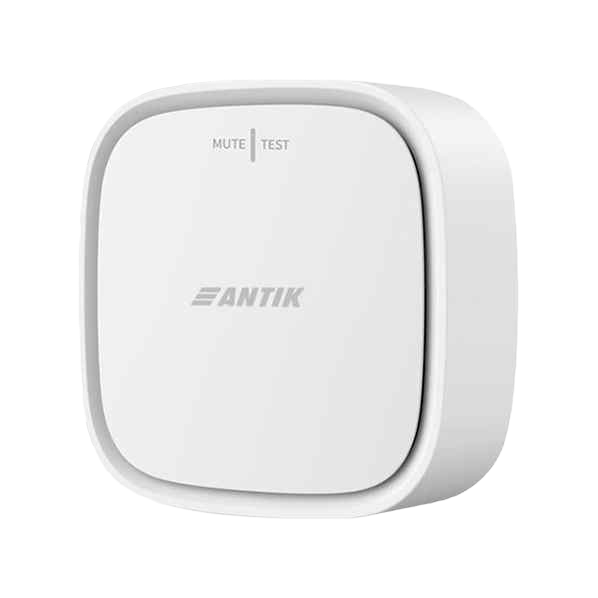
The automatic scene "Gas leak alert with siren" is the ideal combination of a smart gas sensor and a siren that triggers a selected alarm tone when a gas leak is detected. This allows you to react quickly and take immediate action to resolve the problem.
For this scene you need:
- ANTIK Smart gas sensor
- ANTIK Smart siren
*To use these smart devices, it is necessary to have a Zigbee Gateway purchased and paired in the application.

Scene: Sending notifications to default contacts
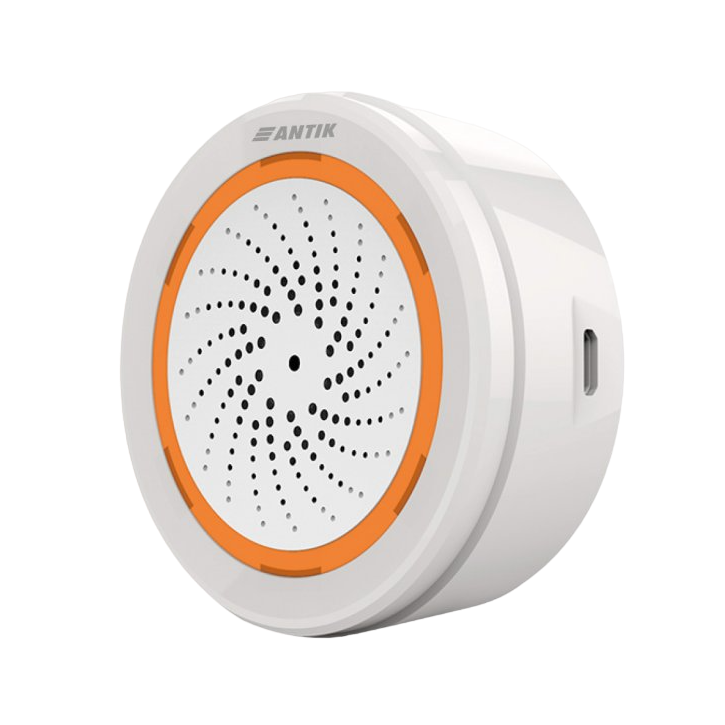
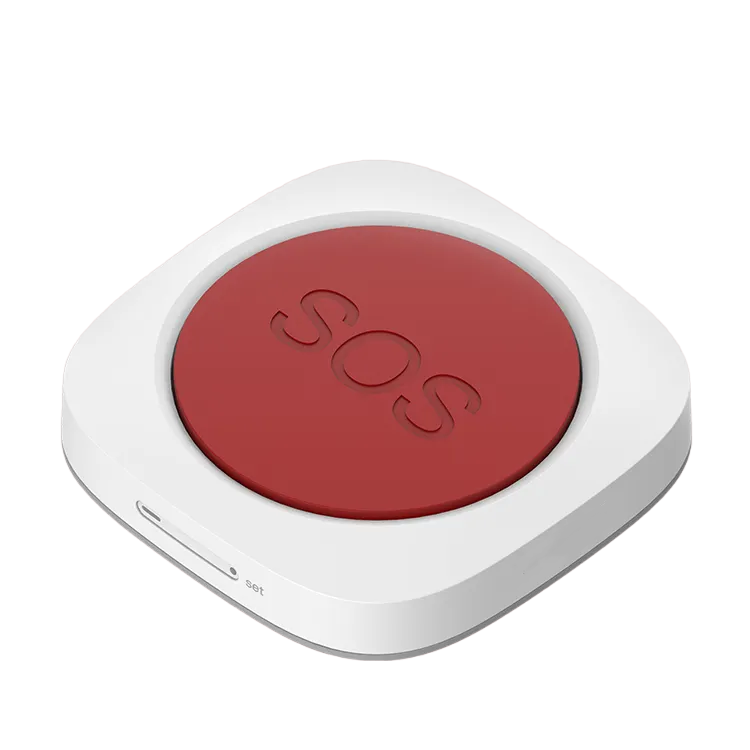
When the smart SOS button is activated , notifications are automatically sent to predefined contacts, family members or neighbors , informing them of the emergency. If you live in the same household as this person, we recommend adding a connection to a smart siren - if you have a larger property or are far away from the person in question, this addition could provide significant assistance.
For this scenario you need:
- ANTIK Smart SOS Button
- ANTIK Smart Siren and Chime
*To use these devices, it is necessary to have a Zigbee Gateway purchased and paired in the application.

Scene: Fire alarm triggered
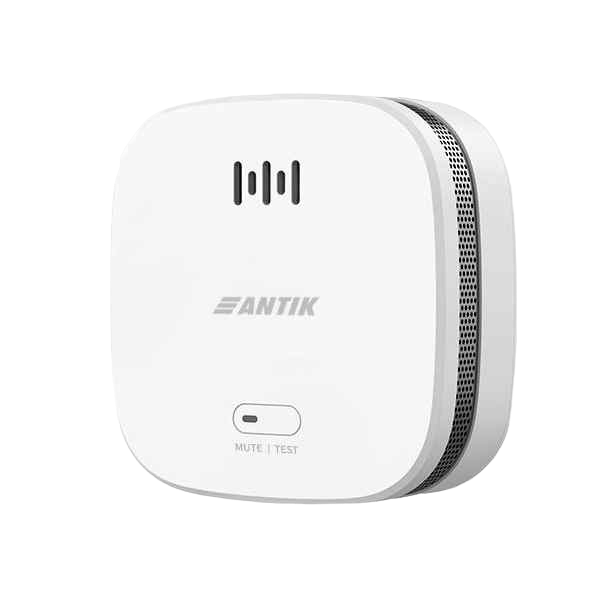
The automatic scene "Fire alarm triggering" is a combination of a smart smoke sensor and a siren that triggers a selected alarm signal when smoke particles are detected in a fire. This allows you to react quickly and take immediate measures such as activating extinguishing systems or calling for specialized fire assistance.
For this scene you need:
- ANTIK Smart siren
- ANTIK Smart smoke sensor
*To use these smart devices, it is necessary to have a Zigbee Gateway purchased and paired in the application.

Scene: Water leak warning by siren
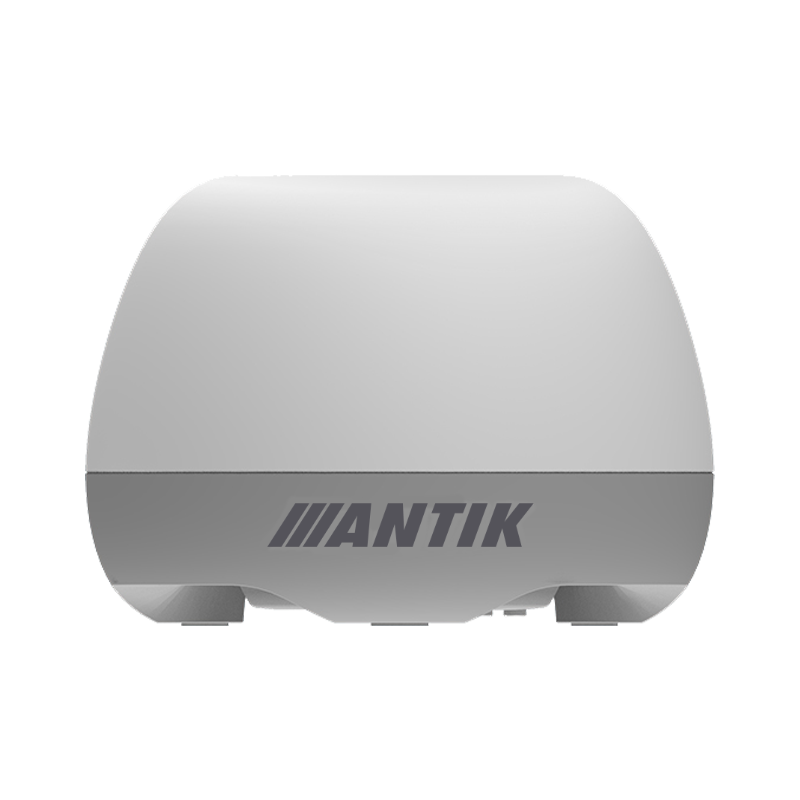
The automatic scene "Water Leak Alert with Siren" is the ideal combination of a smart flood sensor and a siren that triggers a selected alarm tone when a water leak is detected. This allows you to react quickly and take immediate action to resolve the problem.
For this scene you need:
- ANTIK Smart flood sensor
- ANTIK Smart siren
*To use these smart devices, it is necessary to have a Zigbee Gateway purchased and paired in the application.

Create a "Family Evening" scene
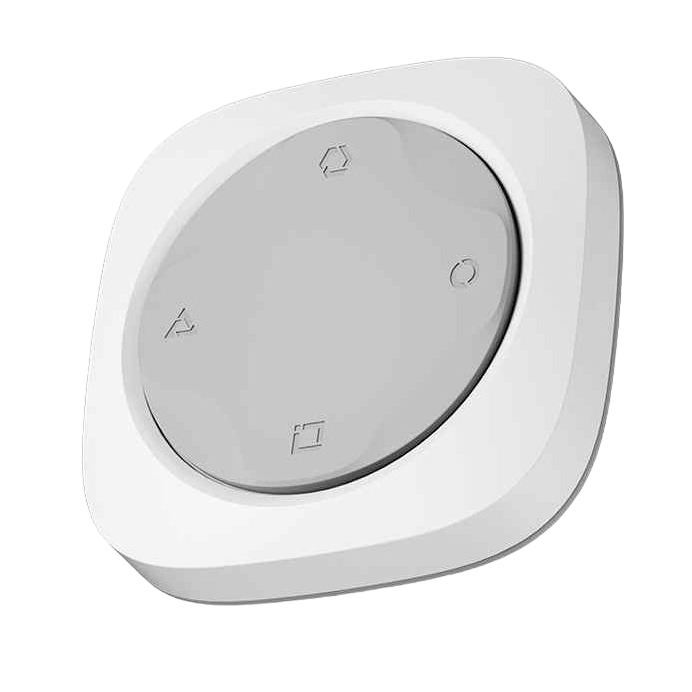
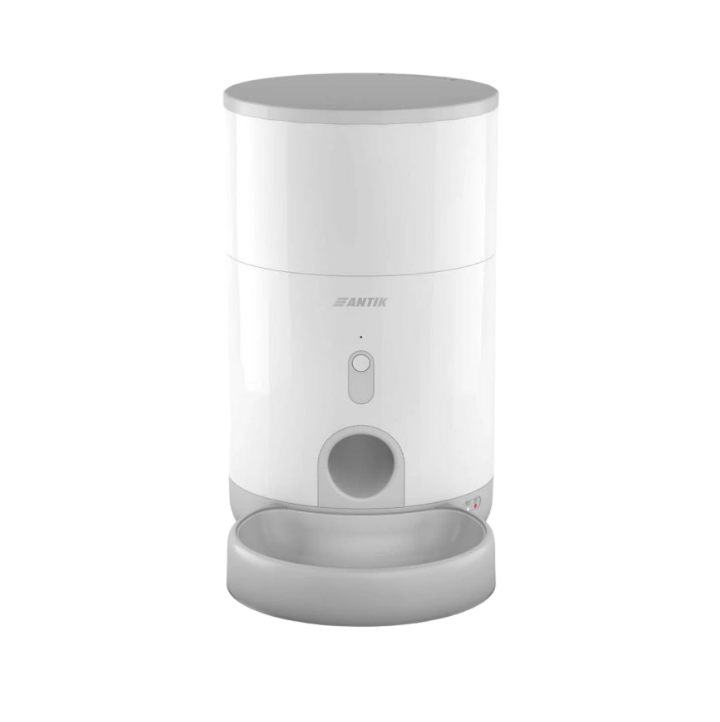
Pressing the preset button will start the "Family Evening Coziness" scene - the smart lighting in the kitchen and living room will be activated, and the food dispenser will serve a portion to the eager dog/cat.
For this scene you need:
- ANTIK Smart 4-button
- ANTIK Smart bulb
-ANTIK Smart food dispenser

Create a "Good Morning" scene
By pressing the preset button, you activate the "Good Morning" scene, which gradually sets the thermostat to a pleasant room temperature, the scent of freshly brewed coffee, and the smart socket provide an invigorating morning playlist.
For this scene you need:
- ANTIK Smart thermostatic head
- ANTIK Smart socket
- ANTIK Smart 4-button
*To use this sensor, it is necessary to have a Zigbee Gateway purchased and paired in the application.

Scene: Fan activation depending on temperature
Create an automatic scene "Fan activation depending on temperature" in which the fan automatically starts when the room temperature reaches a certain threshold (26 °C) . When the room temperature drops below the specified limit (e.g. 21 °C), the fan automatically switches off to avoid unnecessary energy consumption.
For this scene you need:
- ANTIK Smart fan
- ANTIK Smart multisensor
*To use the multisensor, it is necessary to have a Zigbee Gateway purchased and paired in the application.

Scene: Turn on the Christmas lights with one click
Press the preset button to activate the "Christmas Lights" scene, which will gradually light up the strings of lights on your Christmas tree via the smart socket. This eliminates the need for the cumbersome need to reach behind the tree and manually plug the lights into the socket. In addition, you can schedule the lights to activate at a selected time via the schedule function in the app.
For this scene you need:
- ANTIK Smart socket
- ANTIK Smart 4-button
*To use the 4-button, it is necessary to have a Zigbee Gateway purchased and paired in the application.