







Scene: Automatic cleaning after leaving home
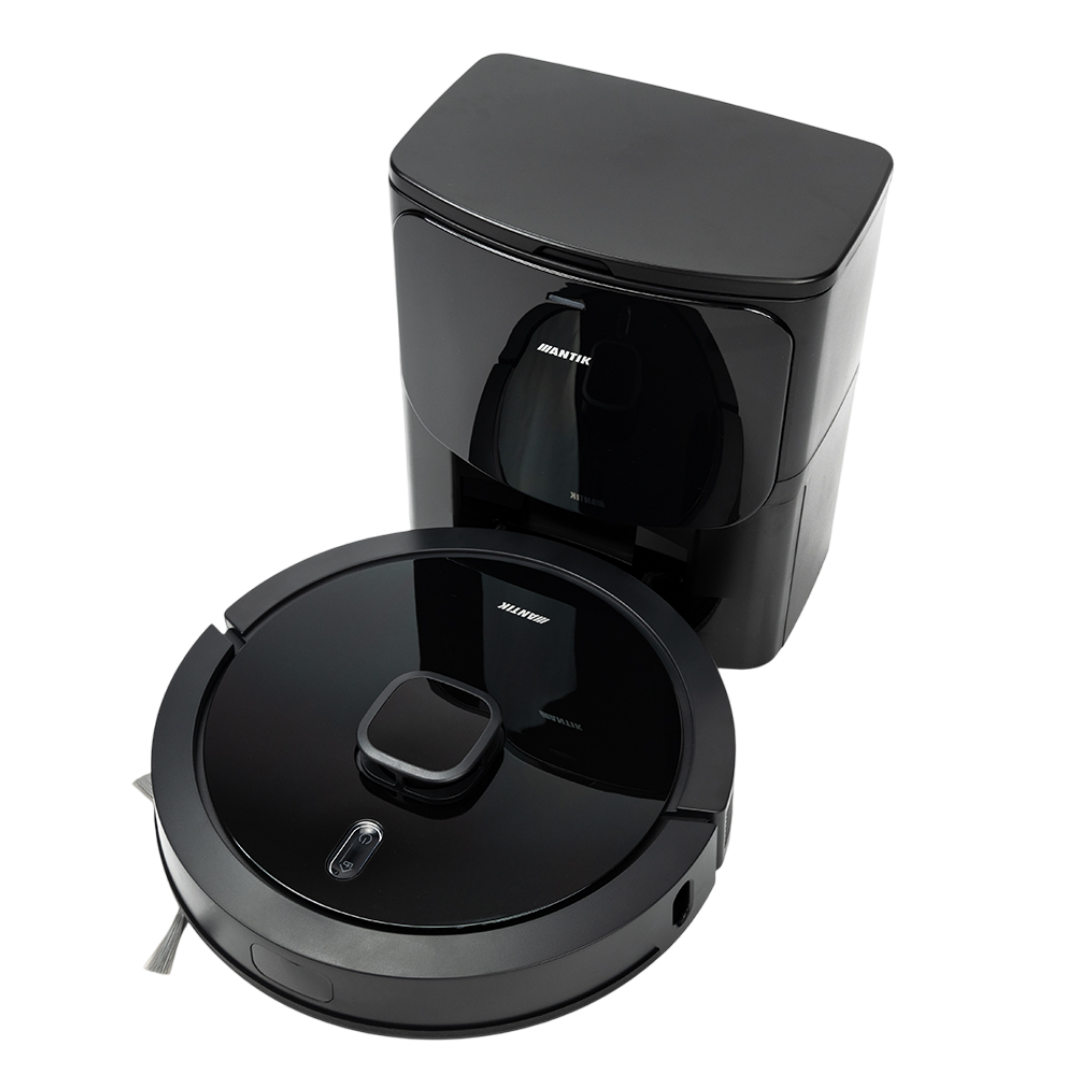
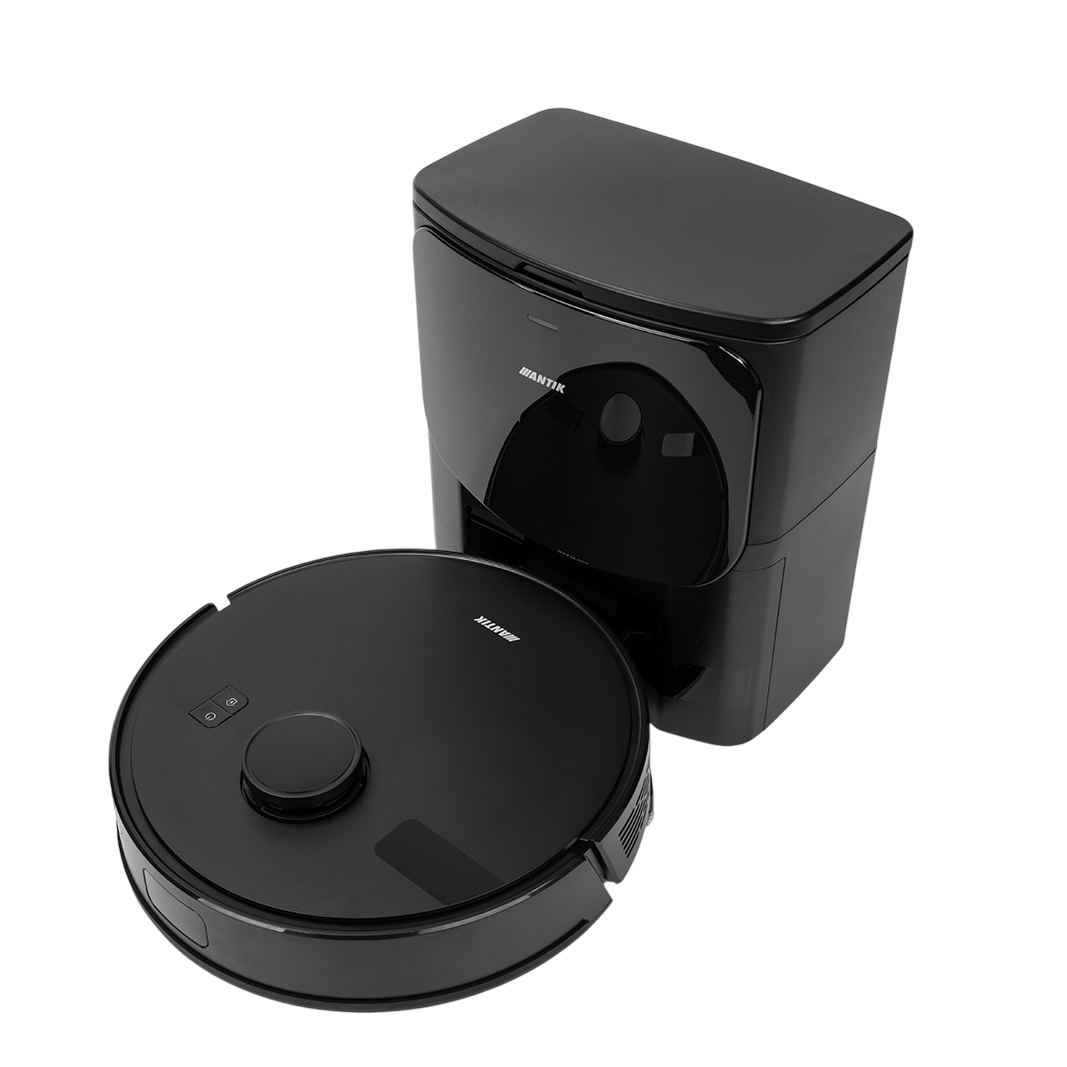
Create a scene "Automatic cleaning after leaving home" that will keep your home clean without you having to think about anything. The robot vacuum cleaner will start automatically after you leave - you can set the exact cleaning start time, for example every day at 8:00, or simply start it with a click in the app. You will avoid noise while you are at home and a perfectly tidy space will be waiting for you when you return.
Additionally, you can use a motion sensor that will start vacuuming after 30 minutes without any movement detected.
For this scene you need:
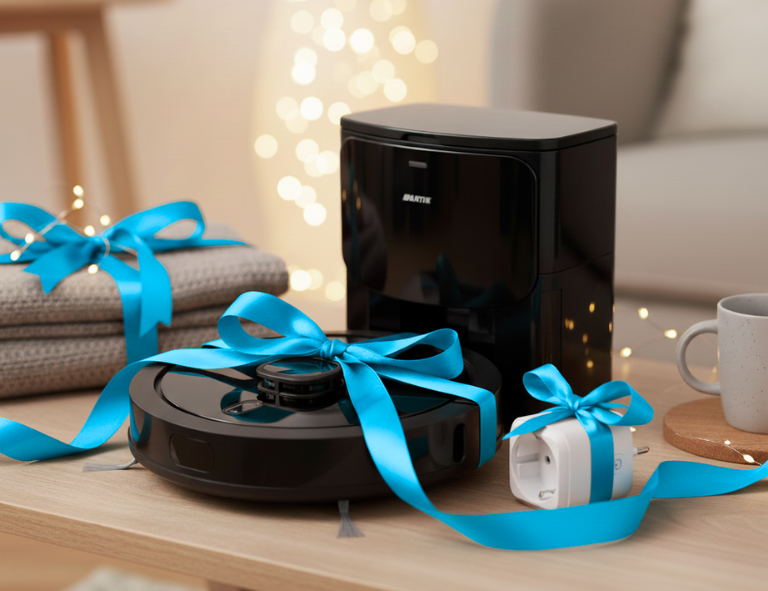
– ANTIK Laser Robotic Vacuum Cleaner RVC04C
– ANTIK SmartHome application
– (optional) ANTIK motion sensor – triggered after 30 minutes of no movement


Download the ANTIK SmartHome® app
With our intuitive and easy-to-use ANTIK SmartHome® app, you can easily control vacuuming, lighting, heating, security, and the activity of other devices directly from your smartphone.